The GA4 Commercial Configuration gives your recruitment agency accurate attribution across every marketing channel and a reporting setup your team can use without building reports from scratch. £595 as a one-off project. Built on the Foundation Setup with custom conversion events, channel groupings, and a reporting dashboard. Delivered within three to five working days.
Our 60-day guarantee
Every engagement starts with K60, our fixed-price 60-day sprint. If your agreed target pages show no ranking gain by day 60, we keep working them at no extra cost until they do. You prove the results in your own Search Console before you commit to any monthly fee.
Key Takeaways

What the Commercial Configuration adds
The Foundation Setup establishes that your site is tracking the right actions. The Commercial Configuration establishes which channels and pages are producing those actions, and presents that information in a format your team can act on without needing to build reports from scratch every month.
The most significant addition is channel grouping. By default, GA4 lumps traffic into broad buckets that do not reflect how a recruitment agency actually acquires clients and candidates. Organic search, paid search, job board referrals, direct visits, and social all appear in ways that make their individual commercial contribution difficult to isolate. Channel groupings in the Commercial Configuration correctly separate each source so that when a client brief is submitted, you can see exactly which channel produced the visitor who submitted it.
Custom conversion events go further than the four core events in the Foundation Setup. Every commercial action specific to your agency, a sector-specific enquiry form, a candidate registration on a specific service page, a click on a specific phone number, is configured as a named conversion. When leadership asks which channels are producing the most valuable enquiries, the data is already there and already attributed correctly.
What does the custom reporting dashboard show?
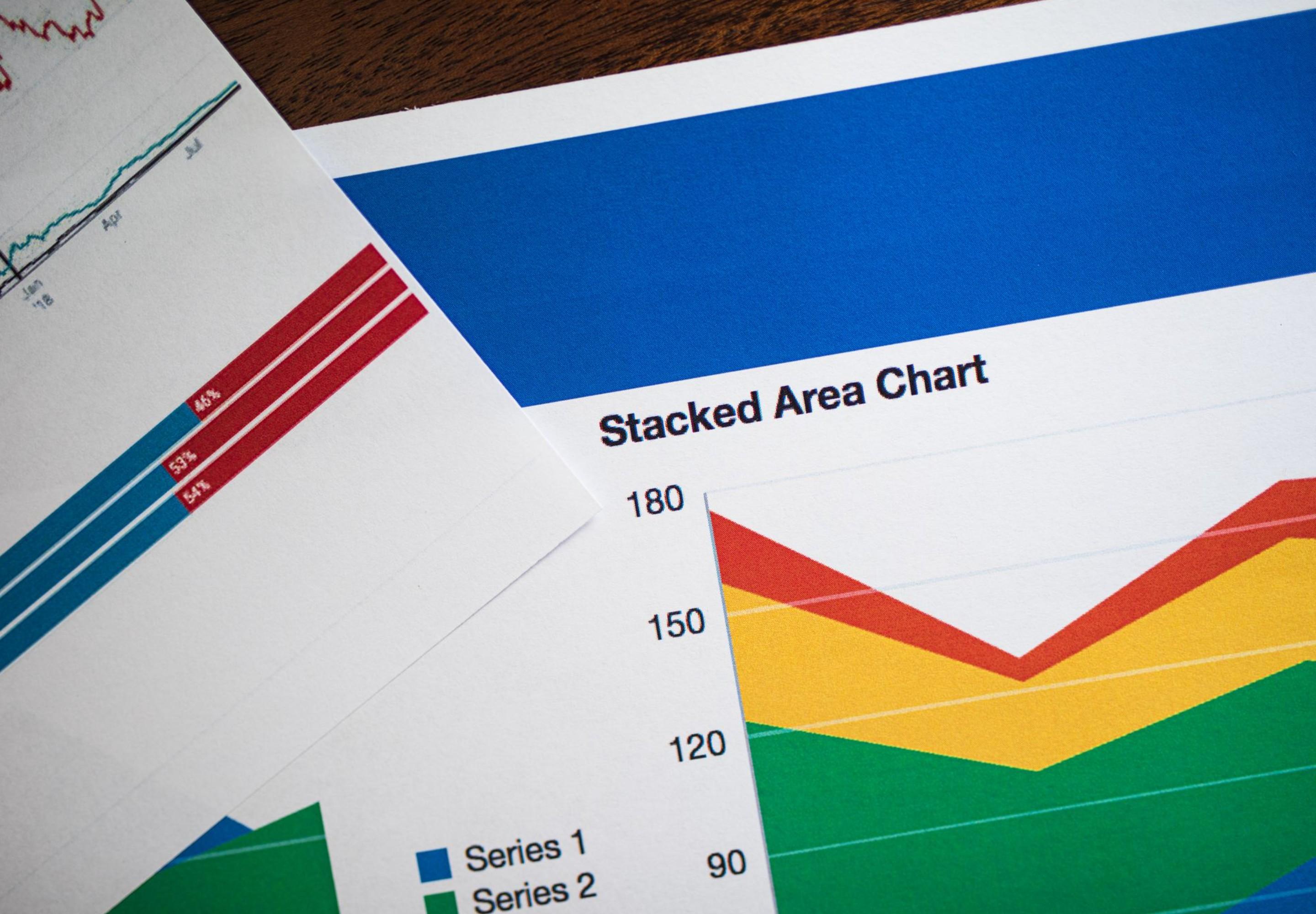
The dashboard is built around the commercial outcomes your agency cares about, not the default metrics GA4 presents out of the box. It shows conversions by channel, top-performing pages by commercial outcome rather than by visits, month-on-month trends for the metrics that matter, and channel comparison data that makes the case for budget allocation decisions without requiring your team to cross-reference multiple reports manually. The dashboard updates automatically as new data comes in.
How does channel grouping fix the attribution problem?
Standard GA4 channel groupings use default definitions that do not account for recruitment-specific traffic sources such as job boards, specialist sector directories, or AI referral traffic. The Commercial Configuration builds custom channel groups that correctly classify every traffic source your agency uses. A candidate arriving from a job board and a hiring manager arriving from a LinkedIn post each appear in their own correctly labelled channel rather than being grouped into referral or direct traffic where their commercial contribution disappears.
Who is the Commercial Configuration for?
The Commercial Configuration is right for agencies that already have GA4 in place but know the data is not accurate enough to inform budget decisions, agencies running multiple marketing channels simultaneously that need to know the commercial return from each one, and agencies that have completed the Foundation Setup and are ready to add full attribution and reporting. It is the recommended setup for any agency presenting performance data to leadership or making budget allocation decisions based on GA4 data.
What the Commercial Configuration means for your business
A recruitment agency with the Commercial Configuration in place makes channel-level budget decisions on evidence rather than assumptions. When a channel is consistently producing high-value enquiries, the data supports increasing investment. When a channel is producing traffic but not commercial outcomes, the data makes the case for reallocation without requiring anyone to manually cross-reference multiple reports.
The Commercial Configuration is also the right foundation for agencies considering the Intelligence Setup. The Intelligence tier adds AI traffic segmentation and monthly automated reporting on top of everything the Commercial Configuration provides. For agencies running active AI visibility programmes or presenting board-level performance data, the £995 Intelligence Setup is the recommended next step.
FAQ

Commercial configurations are typically complete within three to five working days of access being granted. The timeline depends on the number of custom conversion events required and the complexity of your active marketing channels. The configuration closes with a written handover document and an onboarding call. Your team is not left to interpret what has been built without guidance.


